
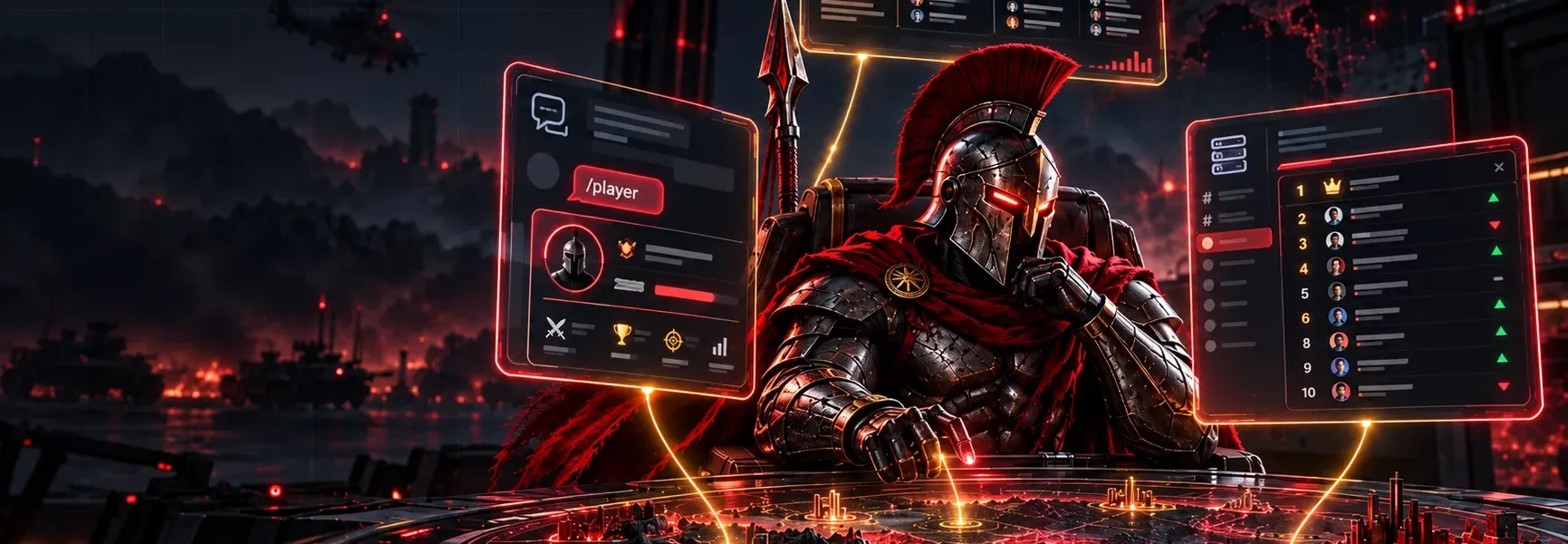
Born2Battle bots in Telegram and Discord, and the weekly digest
The /player, /clan and /top commands, clan notifications in chats and channels, the live table in Discord, linked roles and the weekly digest — how to set it all up in a couple of minutes.
Born2Battle can bring your clan's news to where you already are: Telegram and Discord. Here is what the platform bots can do, how to connect them to your clan in a couple of minutes, and what the weekly digest is.
Telegram bot: stats on command
Message the platform bot directly or call it in a group. Commands:
- /player <nickname> or /stats <nickname> — a player card: Elo, place, battles, wins, win rate and clan, with a link to the player page. If several players match, the bot lets you pick one with buttons.
- /clan <code or tag> — a clan card with a link to the clan site.
- /top — the game's top 10 players.
- /help — the list of commands.
The bot answers in your Telegram language (or in the language the clan chose for its chat). In a group you can add the bot name to the command: /player@BotName nickname — Telegram fills it in for you when you pick the command from the menu.
Clan notifications in Telegram and Discord
The clan leader or an officer with the “Bots and integrations” permission connects a chat in the HQ: HQ → Integrations → “Bots and notifications”.
Telegram
- Click “Get a connection code”.
- For a group, click “Add the bot to a group”: Telegram asks you to pick the group and the bot connects it by itself (a group admin has to add the bot). For a channel, make the bot an admin allowed to post and publish the command shown in the HQ. You can also choose “Get them in a private chat”.
- Click “Refresh list” — the chat shows up among the connected ones.
Discord
- In Discord: channel settings → “Integrations” → “Webhooks” → “New Webhook” → “Copy Webhook URL”.
- Paste the address in the HQ and click “Connect channel”. You don't need your own bot on the server for this.
What to send
For each connected chat, tick what it should get:
- new calendar events and a reminder an hour before an event;
- clan war results — with a card;
- tournaments: registration, start, opponent, results — with the tournament card;
- new members and new join requests;
- announcements from the clan chat;
- member matches and Elo changes — off by default: an active clan gets dozens of these a day;
- the weekly digest (see below).
You'll also find the message language, the time zone and a “Test” button that sends a test message.
Discord bot on the clan server
Besides webhooks, Born2Battle has a full Discord app. Connect it in your account: Account → Widgets.
- Bot for your clan server (for officers with “Bots and integrations”): “Add the bot”, then pick a channel — the bot pins a live table of the clan there (top 10 of the roster by Elo, 7-day change, matches) and updates it after games. The /b2b player and /b2b clan commands work on the server.
- Linked roles (for every player): “Sign in with Discord” — your Discord profile gets your Elo, top-500 place and clan. Server admins can grant roles based on this data, e.g. “Elo 2000+” or “clan member”.
Weekly digest
Every Monday the platform sums up the past week for each game:
- top players of the week by wins;
- the fastest Elo climbs;
- clans of the week — by wars won and member wins;
- upcoming tournaments and events.
The digest is published as news on the site in every language, with a card image, and goes to clan chats that have “Weekly digest” ticked in the HQ (it is ticked by default — untick it any time). Take a look — your clan might be in it.
If something doesn't work
- The bot ignores
/playerin a group — type the command with the bot name (/player@BotName) or pick it from the command menu. - A chat shows “Disconnected” in the HQ — the bot was removed from the chat or can't post. Restore its rights and connect the chat with a new code.
- The Discord table is posted but not pinned — give the bot the “Pin Messages” permission.
Discussion · 0
Sign in to comment
Born2Battle members can discuss news and streams.
Nobody has spoken up yet. Be the first to comment.